
Codex
Chat windowTerminal
Free · Open source · Linux, macOS, Windows
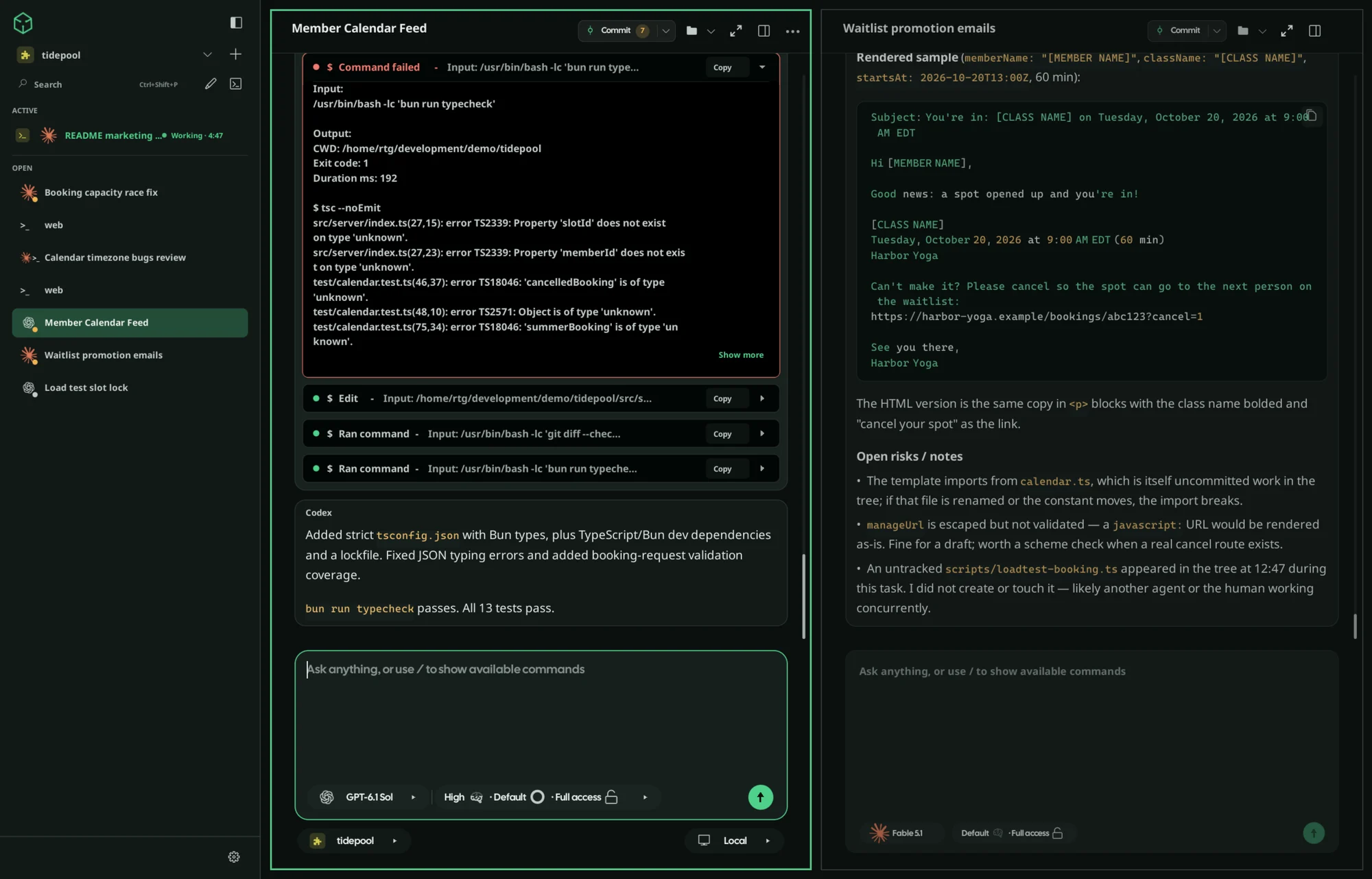
Verde is a desktop app that runs Claude Code, Codex, Cursor and more side by side, with a terminal and browser built in. It uses the subscriptions you already have, and you can check in from your phone when you step away.
curl -fsSL https://verdeai.dev/install.sh | shLinux and macOS · Windows installer below · latest GitHub release
Works with the coding agents you already use






Use each one in Verde's chat window or in its own terminal app. Verde doesn't host any AI: it runs the tools and logins already on your computer.
See it work
A 30-second tour, then six short clips of the features you'll use every day.
Companion apps · beta
Your agents run on your machines, and the companion apps keep you in the loop when you’re away from the desk.
In private beta. A web version works today. How to pair
Everything in one window
Works with the logins you already have for Claude Code, Codex, Cursor and the rest. No new subscription and no API keys.
Allow a command, change course mid-task, or queue the next request without stopping the agent.
Agents keep running when Verde is closed and pick up where they left off after a restart.
Preview your app next to the agent, click any element on the page, and ask for a change.
Real terminals sit beside your chats, and your dev server starts, stops and restarts from one place.
Built in Zig, so it starts fast and stays light. Ctrl+Shift+P finds any chat or command, and every shortcut can be remapped.
How it compares
What you get with Verde, compared with running agents in a terminal, in a hosted app, or inside your IDE.
| Verde | Agents in a terminal | Hosted agent apps | IDE extensions | |
|---|---|---|---|---|
| Run several agents at once | ✓ | ~ | – | ~ |
| Chat window or terminal, your choice | ✓ | – | ~ | – |
| Built-in browser | ✓ | – | ~ | – |
| Approve from your phone | ✓ | – | ~ | – |
| Runs on your machine, no relay | ✓ | ✓ | – | ~ |
| Native app, not Electron | ✓ | ✓ | – | – |
✓ full~ partial / with effort– not really
Themes
14 themes, or let Verde match your desktop automatically.
verde theme import https://verdeai.dev/themes/verde-dark.jsonImports, activates, and adds it to the Settings theme dropdown.Common questions
Install
You'll need at least one AI coding tool installed and signed in, such as Claude Code, Codex, Cursor or OpenCode.
curl -fsSL https://verdeai.dev/install.sh | shWindows x64 · PowerShell
irm https://verdeai.dev/install.ps1 | iexNo admin rights needed. Adds a Start Menu shortcut.